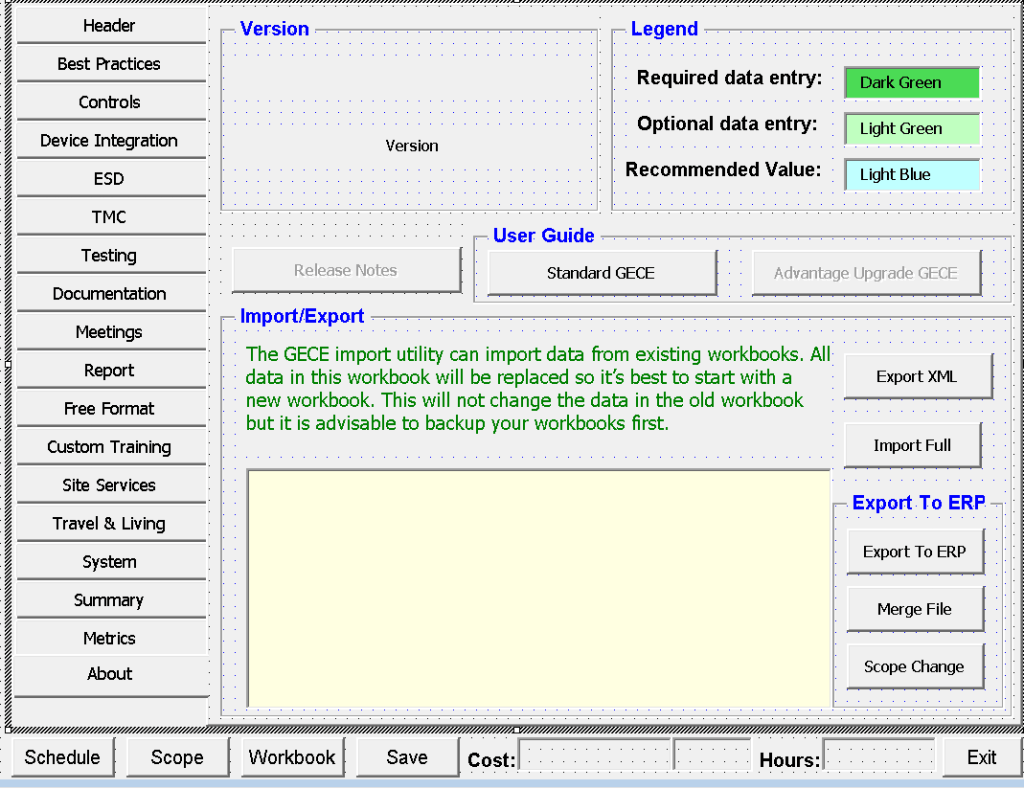
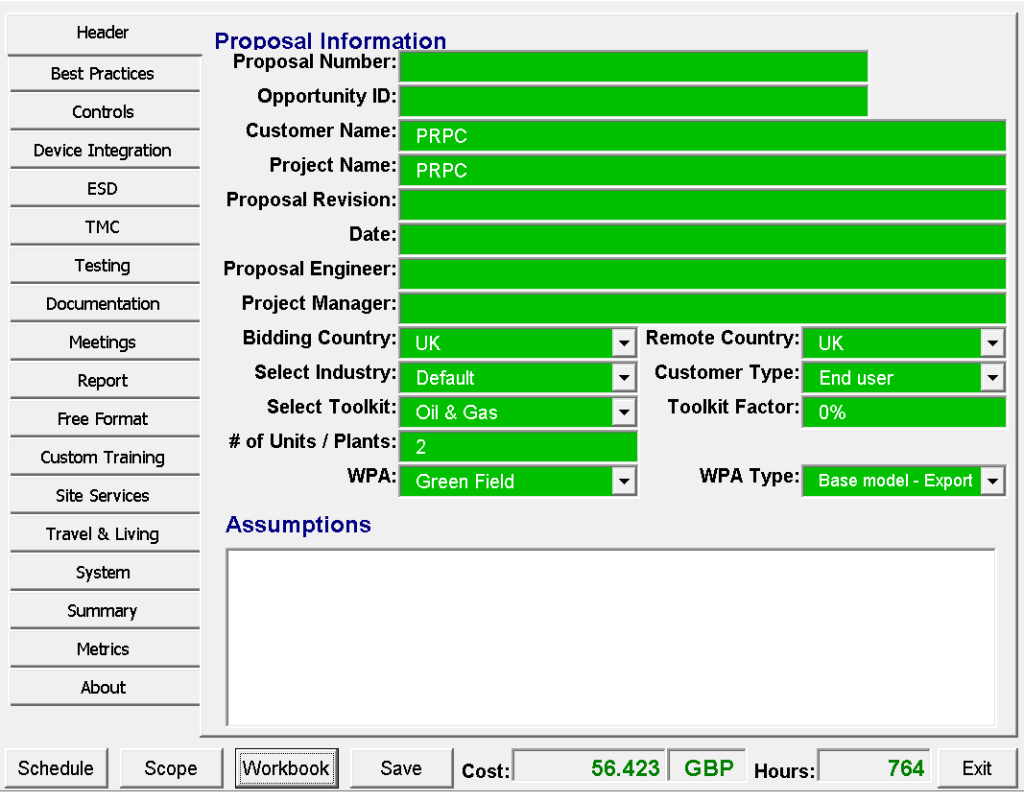
Project Information – Enter core project details, customer data, proposal number, and key dates.
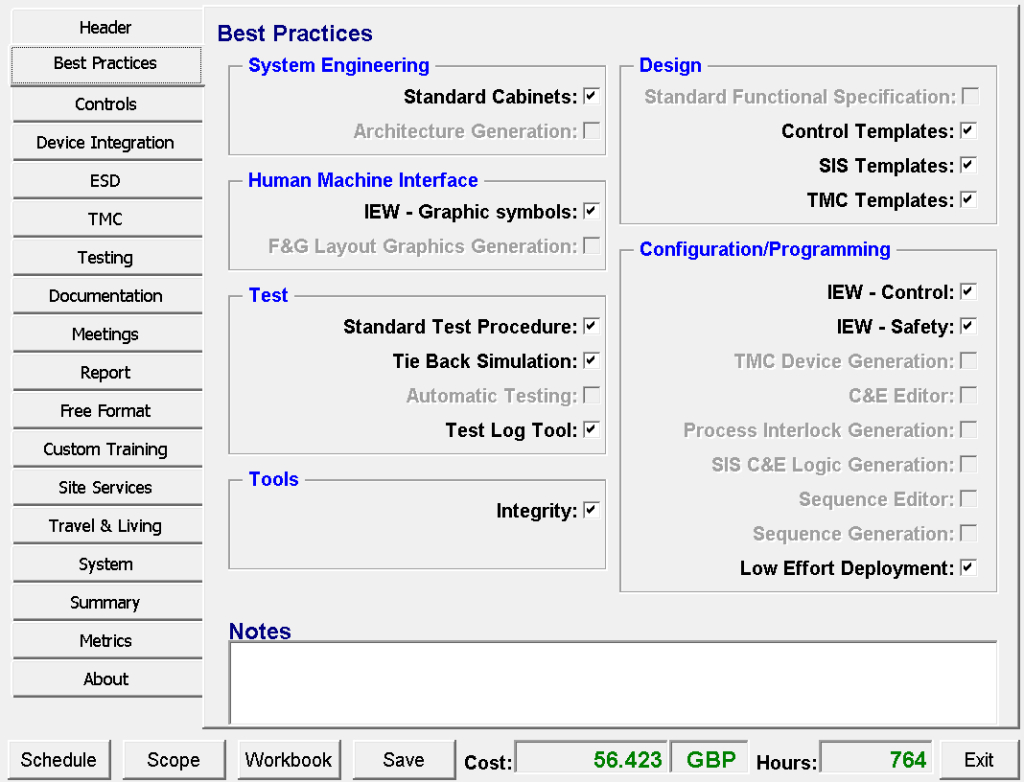
Best Practices:
Guidelines, standards, and recommendations to ensure efficient project execution and high-quality deliverables
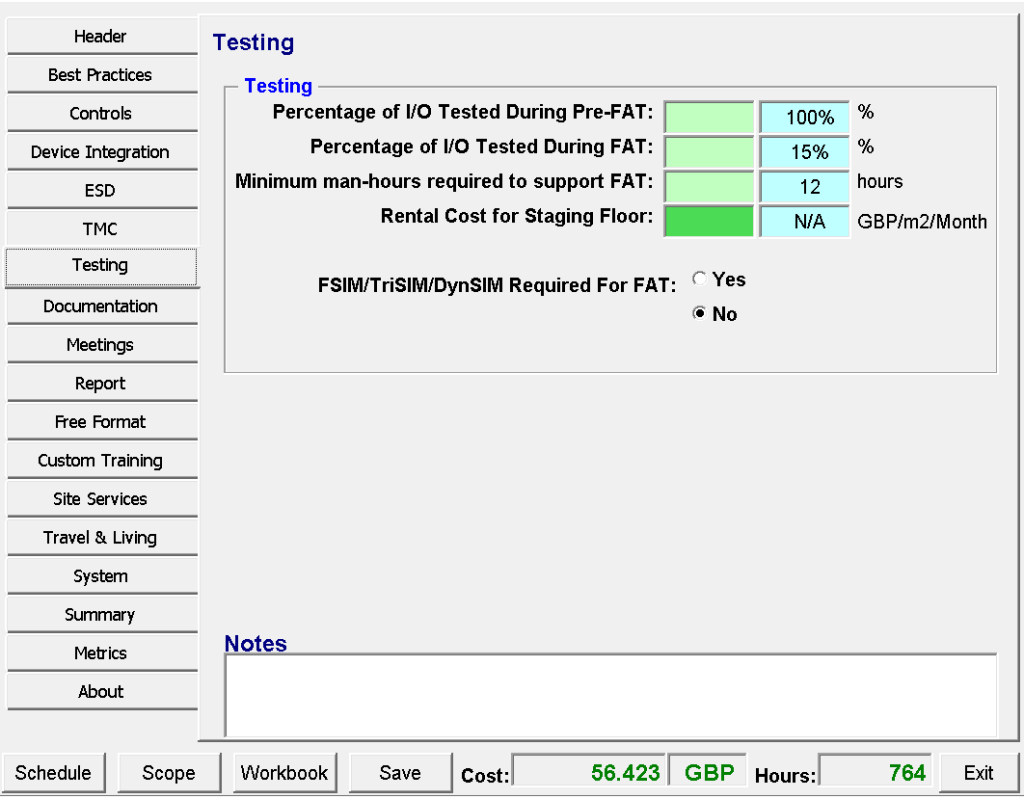
Testing :
Define testing scope including Testing percentages, required man-hours, simulation needs, and staging floor costs.
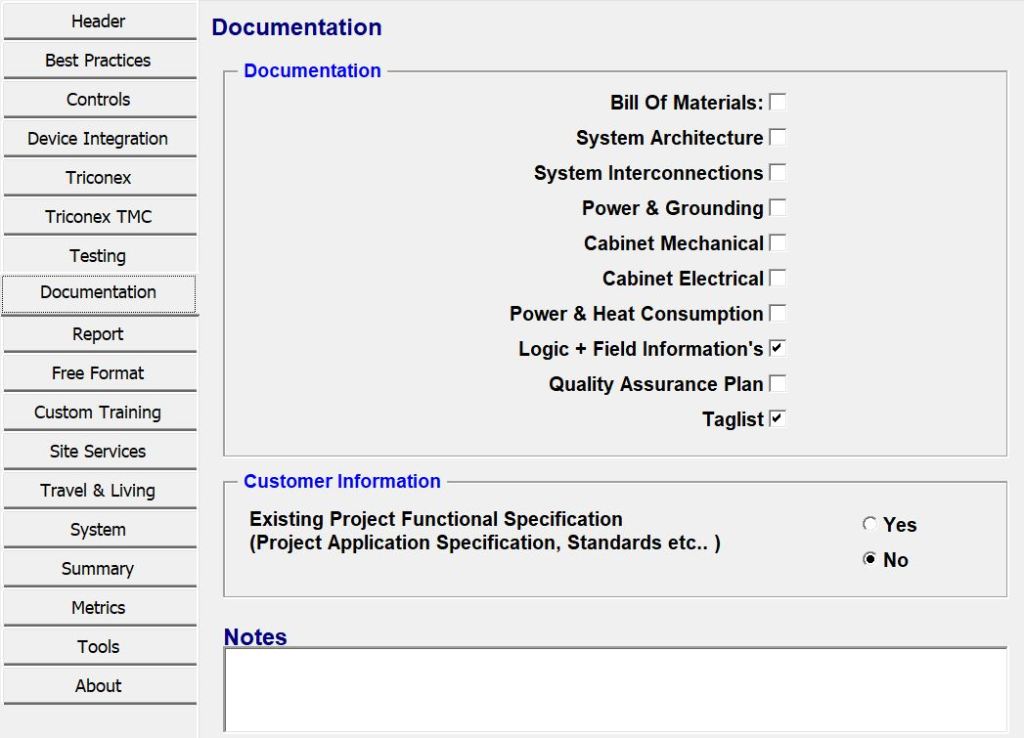
Documentation :
Select the documents and drawings you need for this project (such as BOM, System Architecture, Cabinet Drawings, Logic Diagrams, etc.).
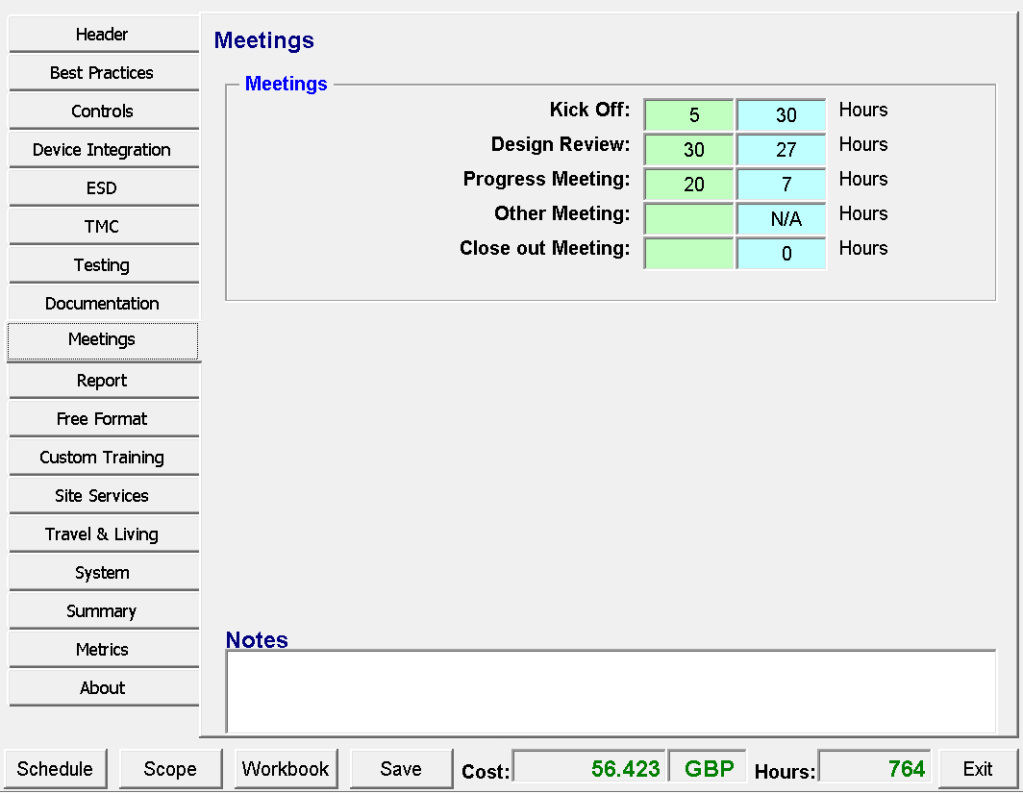
Meetings :
Define project meetings and the hours needed for each type (Kick-off, Design Review, Progress, etc.).
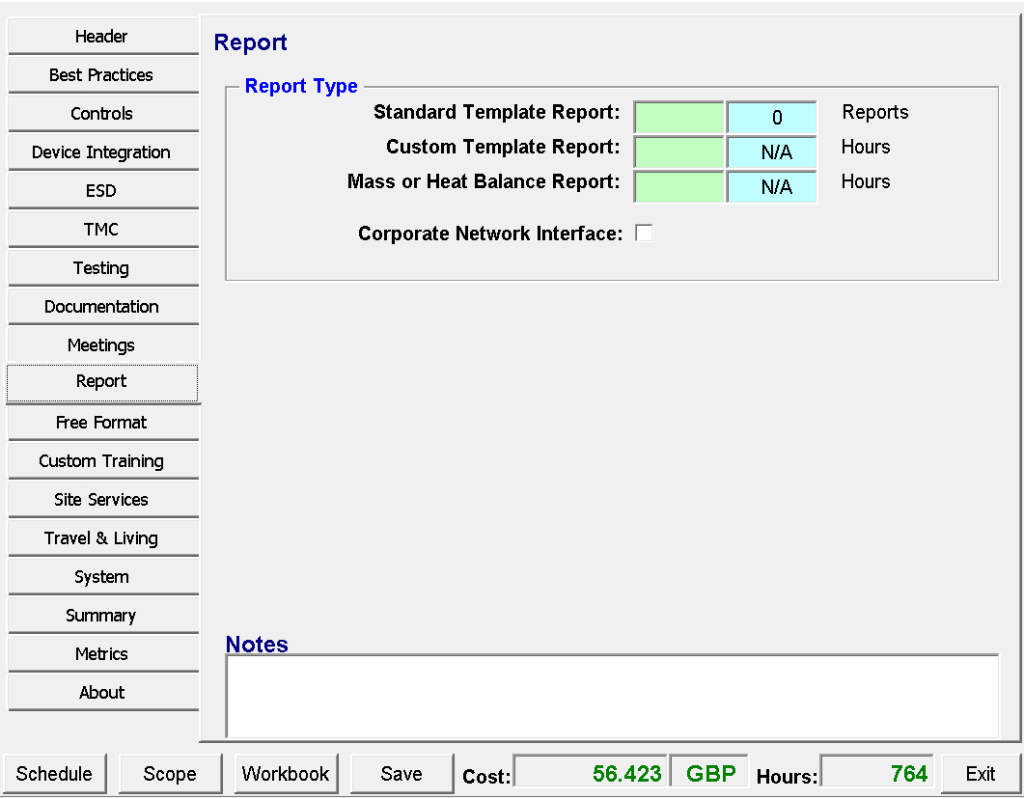
Report
Select the reports you need and enter the required hours for preparing them.
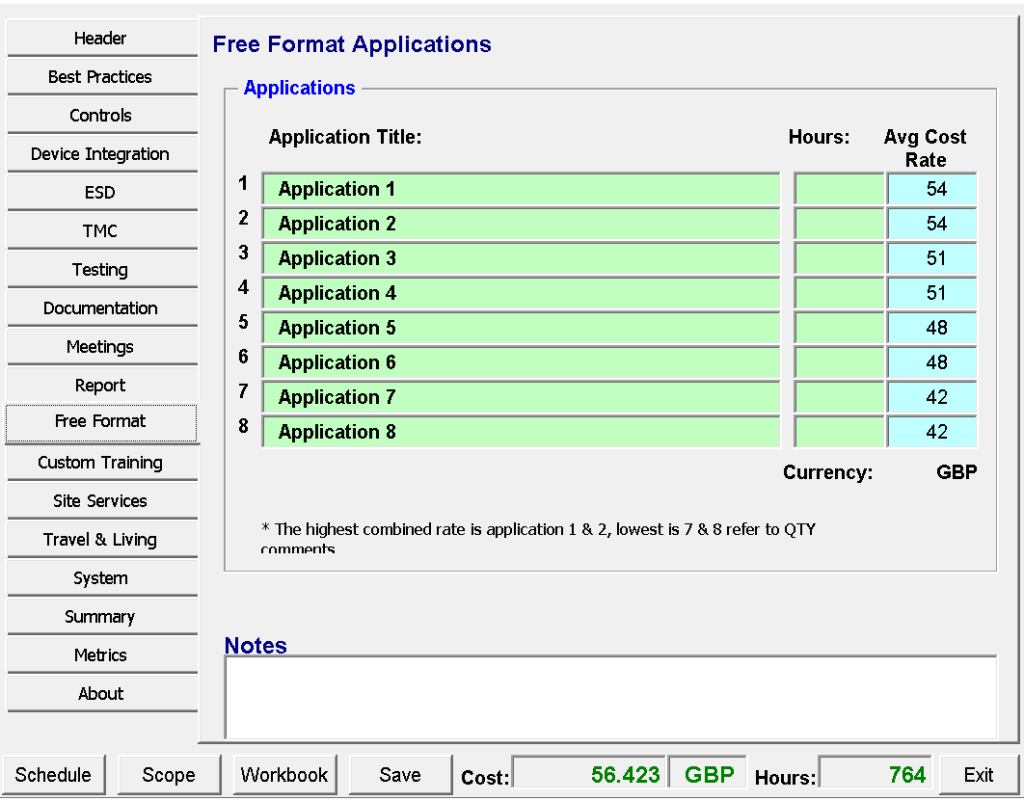
Free Format :
Define additional custom applications or special items with their hours and costs.
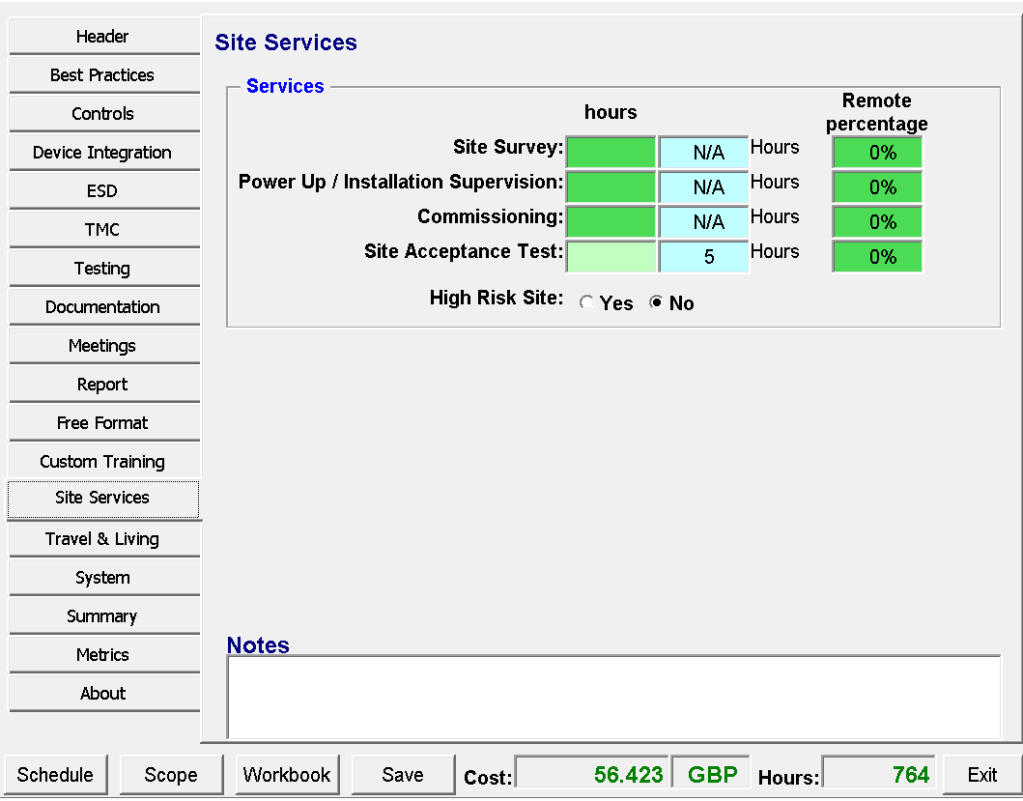
Site Services
Track the on-site activities or external services by defining the required hours and percentages for each task.
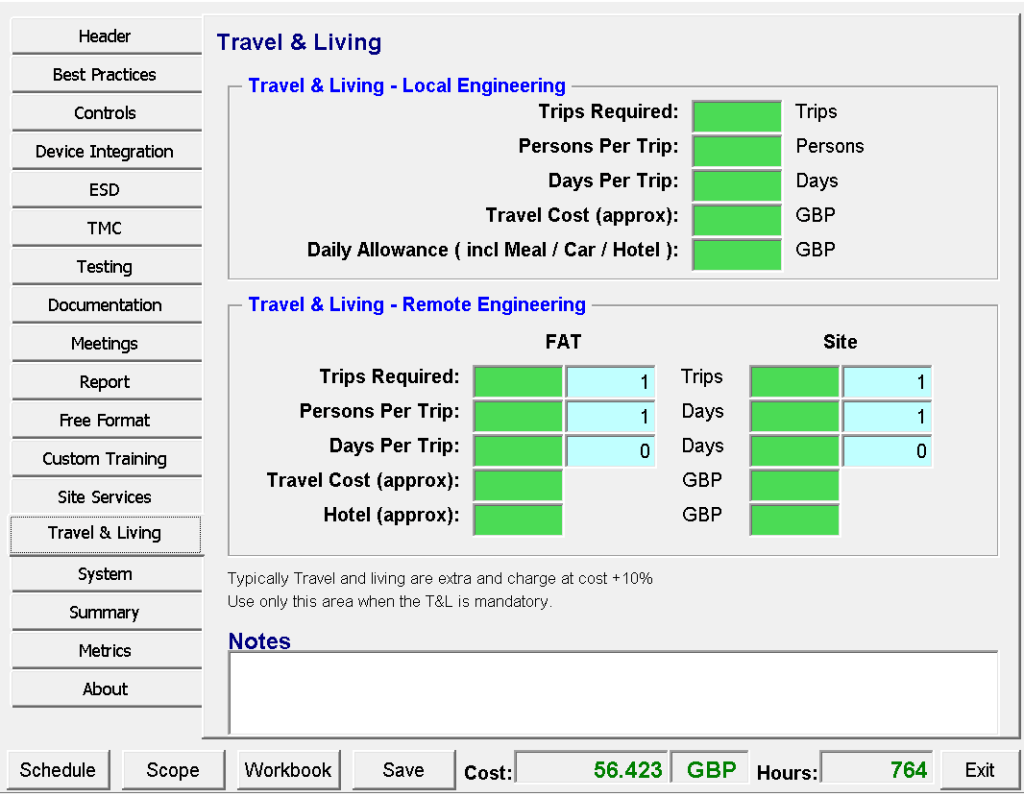
Travel & Living :
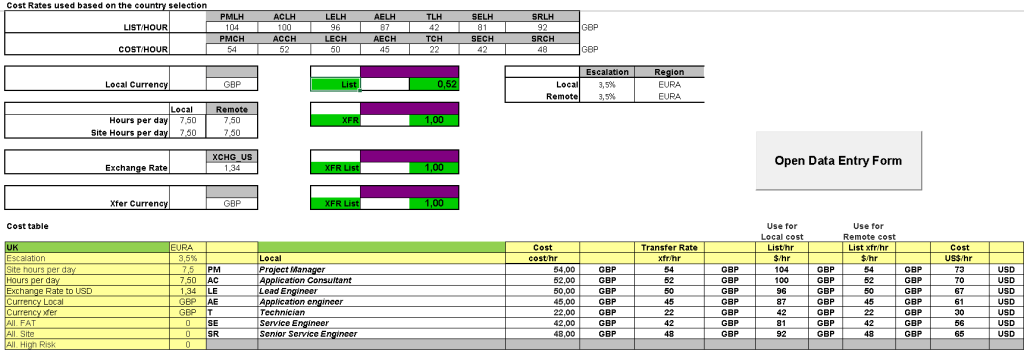
Plan business travel expenses for your projects by defining the number of trips, personnel, duration, and associated accommodation costs.
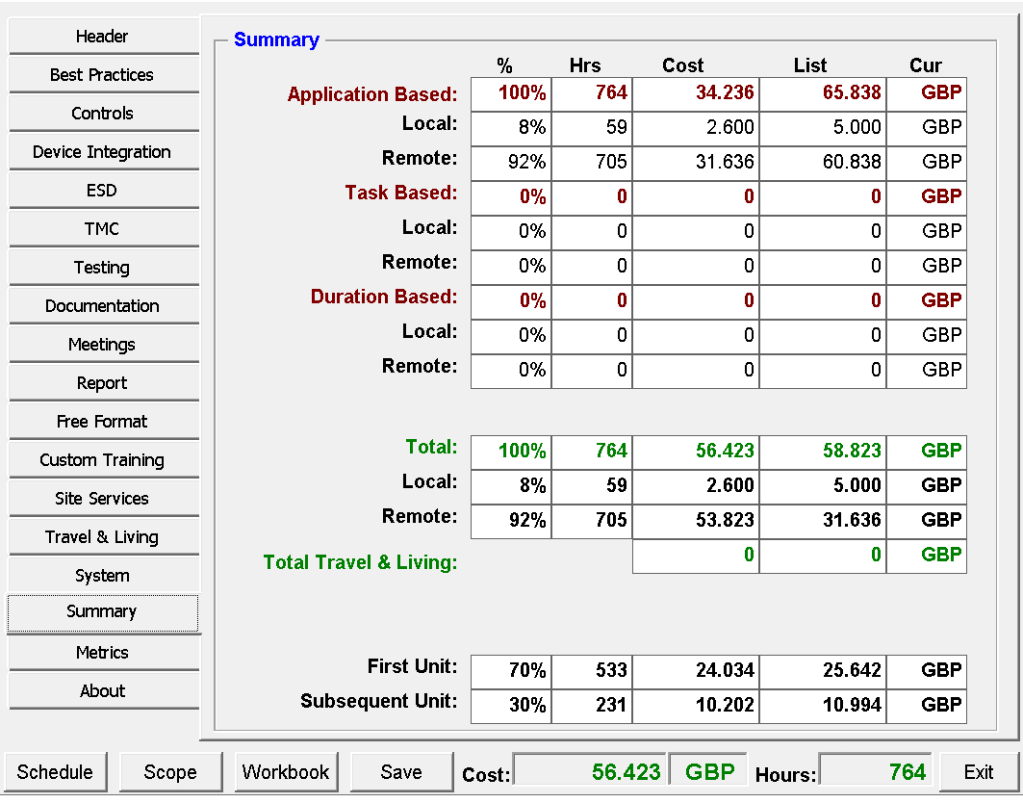
Summary :
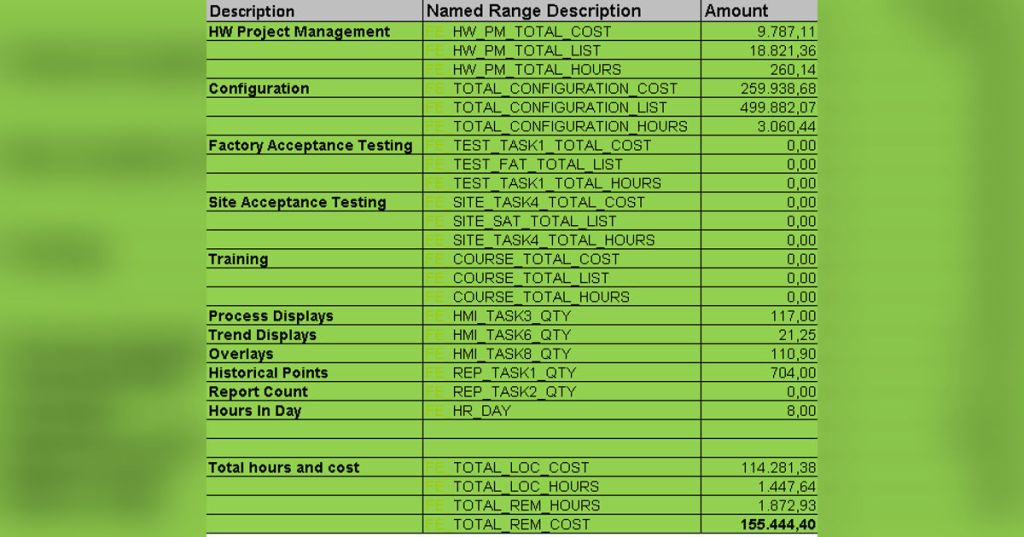
Review the consolidated financial and operational metrics of your project, providing an automated breakdown of total hours, labor costs, travel expenses, and regional delivery splits.
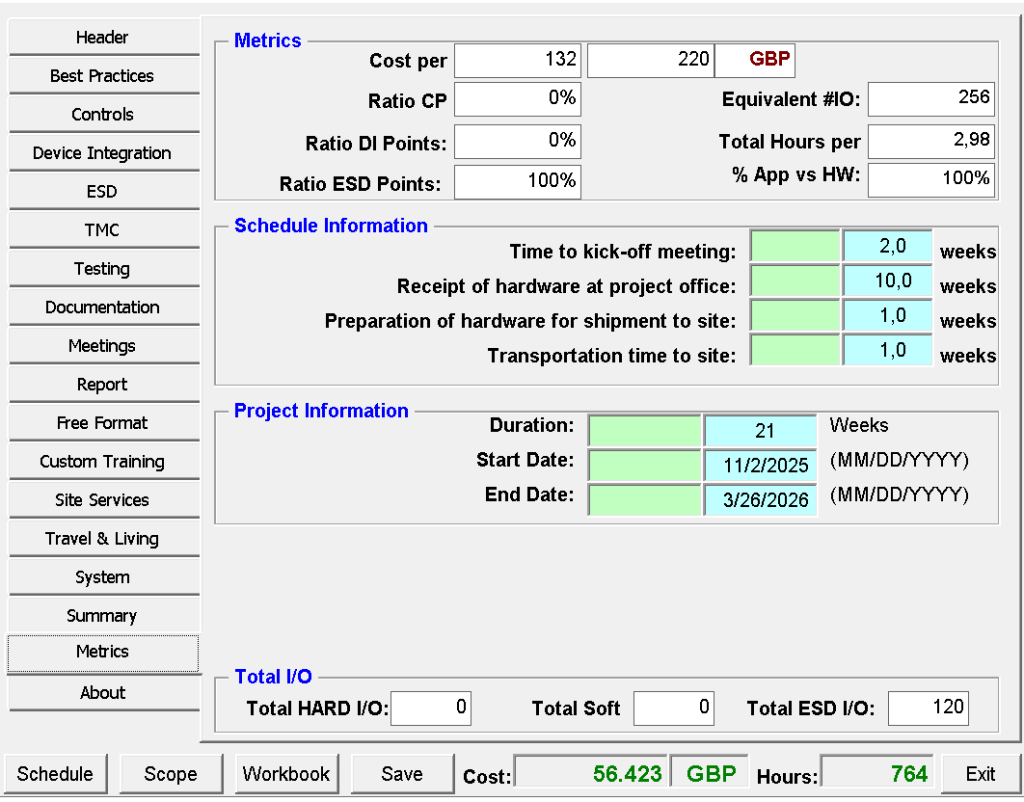
Metrics :
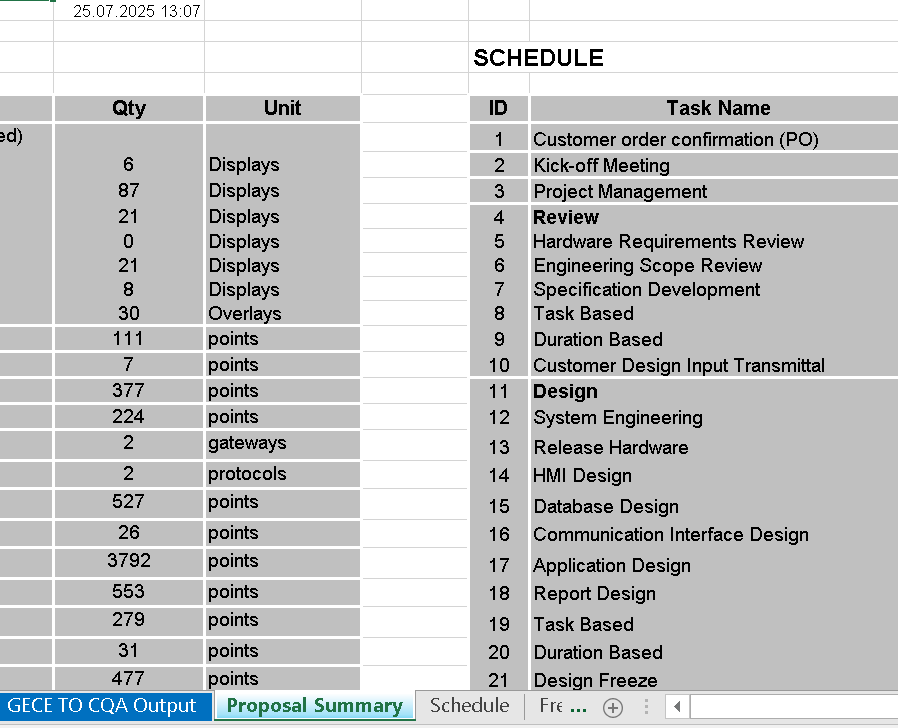
Analyze key project performance indicators, timeline projections, and core operational data to optimize your resource allocation, tracking everything from milestones to hardware logistics and volume metrics.
About :
Access tool documentation, track software version histories, and seamlessly manage your data with built-in import, export, and ERP integration utilities to keep your project files perfectly synchronized.